Upload files to Azure Blob Storage
Send files from a process to a specified container in Azure Blob Storage.
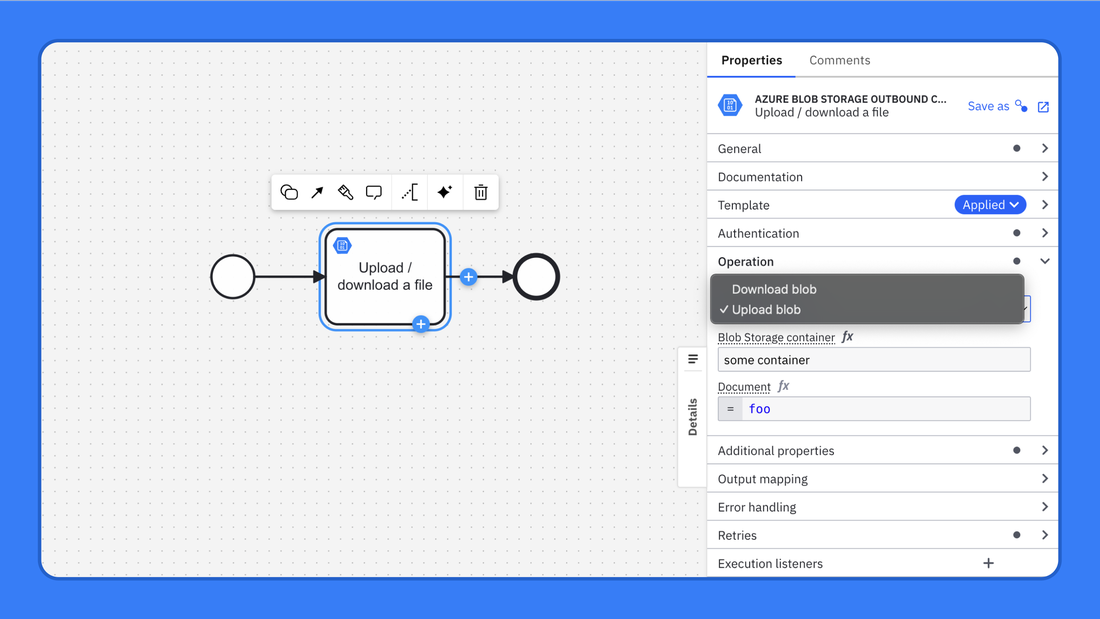
The Azure Blob Storage connector allows Camunda processes to seamlessly interact with Microsoft Azure Blob Storage. It supports uploading and downloading binary or text files to and from specified containers. You can store process artifacts, documents, or any custom data in the cloud and retrieve them when needed. The connector uses shared access signature (SAS) tokens for secure access and can be easily configured with standard input parameters. This connector is ideal for use cases where you want to persist process-related files outside your process engine in Azure cloud storage.