By contributing to Camunda Marketplace, the partner or independent third-party developer (“You”) is agreeing to the Camunda Marketplace terms.
Step 1: Set up a GitHub repository
We offer two types of contributions: open source and listing only. If you would like to submit a listing-only blueprint, skip this step.
- Blueprints containing BPMN files should be executable and include example data. We recommend testing your process in Camunda Play and saving the sample payloads in the example data field. ChatGPT or another generative AI tool can assist in generating plausible payloads.
- Create a new public GitHub repository or use an existing public GitHub repository that hosts all required files. We recommend using Git Sync to facilitate file transfer.
- Include a clear and comprehensive README.md file that explains how to use the blueprint. Add installation instructions if necessary. If the process requires additional resources such as connectors, job workers or forms, please list them and link to the resources.
- Add a LICENSE.md file to the repository.
- Add the following legal terms before your license terms in LICENSE.md:
This Blueprint is designed by Camunda's partners or independent third-party developers. To receive assistance or support for the Blueprint [Name of Blueprint], contact [Your Name] directly using the contact information provided. Camunda disclaims any support obligation for the Blueprint.
By installing this blueprint, you consent to Camunda sharing your contact information with the developer of this blueprint so that you can receive more information about it directly from the developer.
[Your license terms here]
Step 2: Submit the blueprint
- In the submission form, provide your name, website, and email address. Your email address will only be used for communication with the Camunda team. It will not appear in Marketplace.
- Ensure the blueprint has a title, description, GitHub repository URL, installation guide, and feature list.
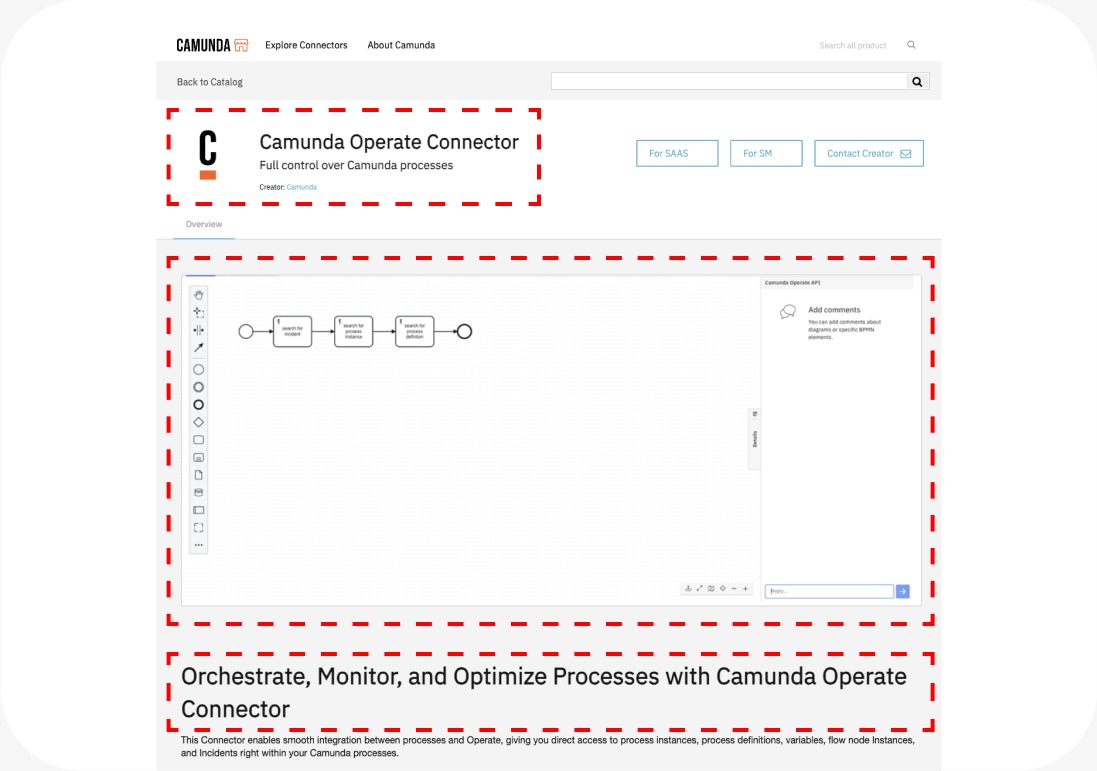
- Complete the listing with a logo and screenshots. Host your images on a website or a platform that allows you to generate a downloadable URL. If the blueprint is publicly accessible and contains a BPMN file, a screenshot isn't required; we'll embed the BPMN file directly in Marketplace.
- If you're using connectors from Camunda Marketplace in your blueprint, you can link the dependencies in your listing. Simply add the connectors as dependencies in the submission form.
- If the blueprint files can be imported into Web Modeler, add the raw GitHub URL for each resource. You can also package all resources into a single ZIP file and only include the URL for the ZIP file. Refer to the documentation for more information.
- Support page and documentation links are required. You can also submit additional resources such as video tutorials.
Step 3: Review By Camunda
- After you submit a blueprint, we will carefully evaluate the submission to ensure that all necessary information has been provided and that it adheres to our guidelines.
- If your blueprint meets the requirements, it will be approved and added to Camunda Marketplace.
- If there are any issues or additional information needed, we will contact you via the email address you provide.
Thank you for your submission, and we look forward to working with you!